
Best Free Private AI Assistant: Local Setup Made Easy in 2026
InnerZero is a free private AI assistant you install on your PC in minutes. One setup wizard, no account, and your chats never leave your machine.
The best free private AI assistant on Windows in 2026 is the one that gets you from installer to working chat in under five minutes without an account, without a subscription, and without sending a single message to anyone else's server. InnerZero is built around that goal. This is what the local setup actually looks like, what hardware it asks for, and how it compares to the other free local AI tools people are using this year.
How long does the setup actually take?
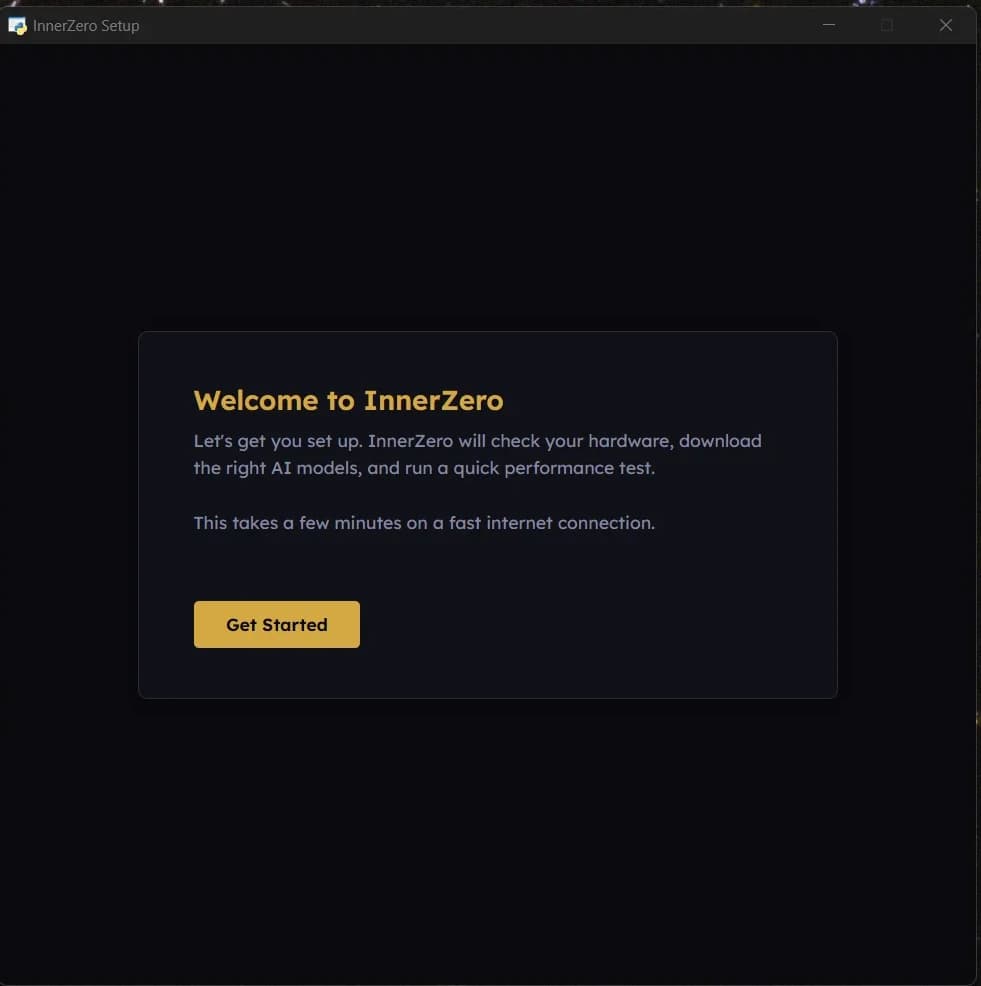
The realistic answer is between three and twelve minutes depending on your internet speed. Three steps. Download the installer (about 280 MB), run it like any other Windows installer, and launch the app. The first launch runs a one-time wizard that takes a few seconds: it scans your CPU, RAM, GPU, and free disk, then picks the right model for what it sees. The model download is the only step that takes real time. On a 100 Mbps connection the standard tier model is done in three to five minutes. After that, every launch is instant and everything runs locally. There is no second wizard, no account creation, no email confirmation. The first message you type is the same as the millionth: a request handled entirely by software running on your hardware.
What hardware do I actually need?
The comfortable minimum is 16 GB of RAM, a modern multi-core CPU, and 10 GB of free disk space. That gets you a smaller model running on CPU only. It is functional, but the responses arrive at thinking pace rather than typing pace. The recommended tier is 32 GB of RAM, an 8-core CPU or better, and an NVIDIA GPU with at least 8 GB of VRAM. With that you get sub-second responses on the standard model.
Apple Silicon Macs benefit from unified memory: a 16 GB M-series machine punches above its weight because the GPU and CPU share the same memory pool, no VRAM bottleneck. AMD GPUs work via Vulkan in the latest builds but the NVIDIA path is more mature. If you only have an integrated GPU, the CPU fallback is your friend.
There is no hardware floor below which the app refuses to install. It will run on a 2017 ultrabook with 8 GB of RAM. It will just be slow. The full per-tier breakdown of which model the wizard picks at which RAM and VRAM budget is in the hardware guide.
Is it actually free?
Yes, for personal use, with no asterisks. The desktop app is free to download, free to use, and free to update. There is no trial period, no feature gate, no premium tier, no upsell modal. You install it and use everything: chat, voice, memory, tools, knowledge packs.
The only paid tier for the desktop app is a per-seat Business Licence for commercial use: £19.99 per seat per month, or £149.99 per seat per year (dropping to £129.99 per seat per year at 5 or more seats). Education users, registered charities, and non-profits are exempt from that licence even when used at work. Optional cloud plans exist for users who want to call frontier models through InnerZero's managed proxy, but they are strictly optional and not required for any local feature.
The model files themselves are open-source releases from teams like Alibaba's Qwen3 family on Hugging Face, Google's Gemma, and OpenAI's gpt-oss, distributed at no cost under their respective community licences. InnerZero downloads them through Ollama and stores them locally. Once the download finishes you own the bytes.
How private is it really?
The desktop app does not phone home. There is no telemetry, no analytics, no crash reporting, no usage tracking, and no account to sign up for. The first time you launch it, the app does not register you anywhere. It just runs.
Your conversations and memory live in a SQLite database file in your user data folder. SQLite is the standard format you can open with any SQLite browser. The contents are not encrypted at the application layer; the protection is the operating-system disk encryption you already have running (BitLocker on Windows, FileVault on macOS, LUKS on Linux). Two specific items are app-level encrypted with a machine-derived key: any BYO API keys you save and the Telegram bot token if you use the remote-access feature.
There is one optional cloud mode for users who want access to frontier models like the latest Claude and GPT. It is off by default and clearly labelled in the interface. When enabled, only the current prompt with relevant context is sent to the provider you chose. Your full memory database, your files, your past conversations, and your profile facts never leave the machine. There is also an in-app connections log that shows every outbound network call, so you can verify in real time what is and is not going out. The full breakdown lives in how InnerZero stays private.
What can it do out of the box?
A lot more than chat. Out of the box you get voice mode (local speech recognition via faster-whisper, local text-to-speech via Kokoro; no audio leaves the machine), persistent memory that builds up across sessions so the assistant remembers your name, your projects, and what you talked about last week, and 30+ built-in tools covering web search, file management, calculator, dictionary, weather, timers, alarms, reminders, clipboard, and screen reading.
You also get document Q&A: drag a file into the chat and ask questions about it. Knowledge packs are an optional download for offline answers, with a curated Best of Wikipedia pack (about 871,000 articles) available so the assistant can answer factual questions with no internet connection at all. A full English Wikipedia pack is coming soon.
The optional cloud mode supports BYO API keys for seven providers (Anthropic, OpenAI, Google, DeepSeek, Qwen, xAI, Kimi) at zero markup. Your key goes direct to the provider; InnerZero is just the interface. You pay the provider their published rate and InnerZero takes nothing on top. Memory is the feature people notice most after a couple of weeks; the memory deep-dive explains how it actually behaves rather than what it claims.
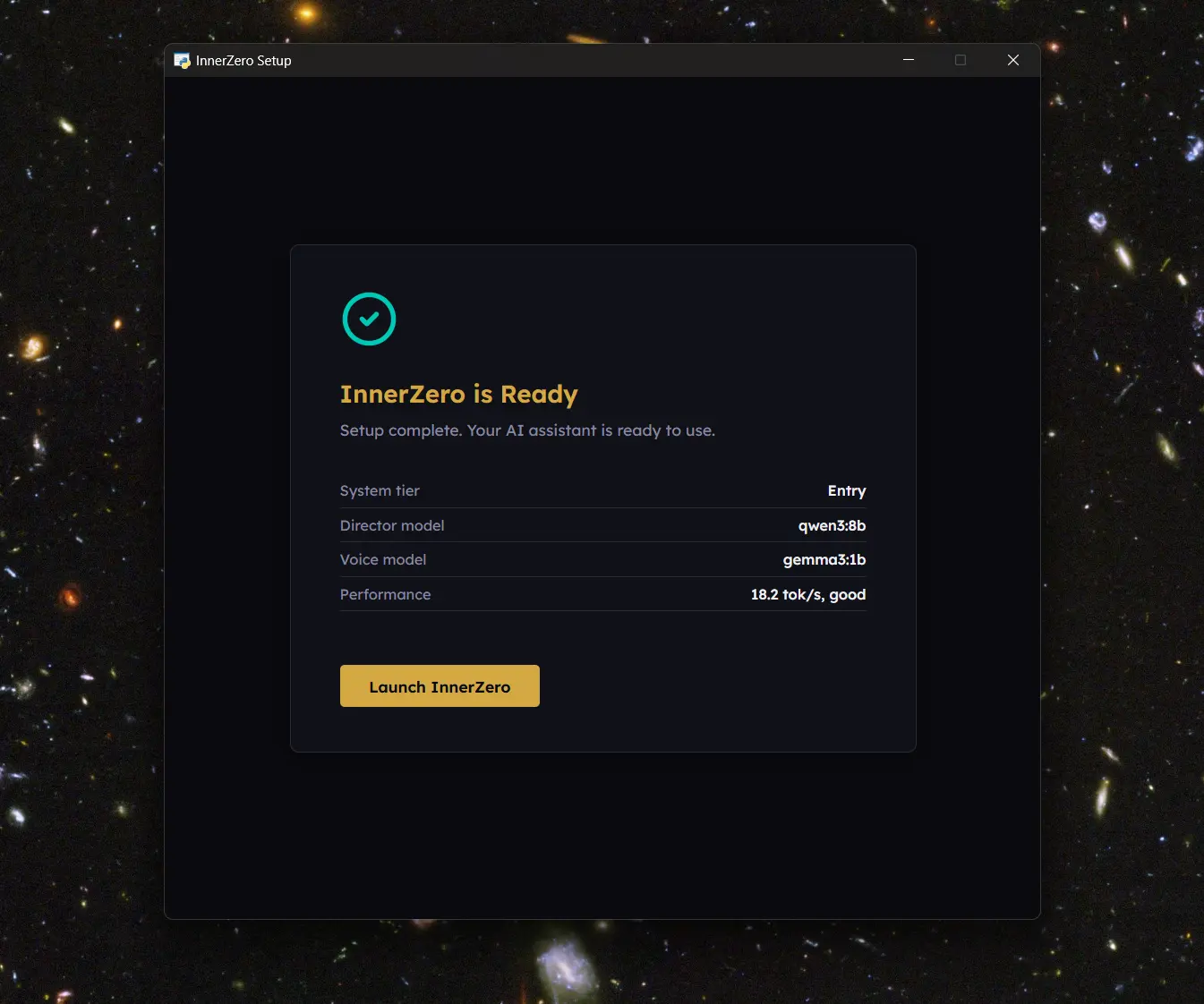
The first model the wizard typically picks for a recommended-tier machine is qwen3:8b, an 8-billion-parameter instruction-tuned Qwen3 model from Alibaba. The full per-tier model list lives at /models.
How does it compare to other free local AI tools?
Five tools cover the realistic options for Windows, Mac, and Linux in 2026. Here is the honest comparison.
| Tool | Best for | Voice | Memory | Tools | Setup difficulty |
|---|---|---|---|---|---|
| Ollama | Developers wanting raw model API access | No | No | No | Medium (CLI) |
| LM Studio | Model exploration and benchmarking | No | No | No | Easy (GUI) |
| GPT4All | Simplest possible chat interface | No | No | No | Easy (GUI) |
| Jan | Open-source desktop chat with cloud option | No | No | Limited | Easy (GUI) |
| InnerZero | Daily-driver assistant with memory and voice | Yes | Yes | 30+ | Easy (one wizard) |
Ollama is the foundation most other tools build on. LM Studio is excellent for trying different models side by side. GPT4All is the friendliest first install if all you want is to chat with a local model. Jan is the polished open-source chat client for users who like the open-weight philosophy and want a tidy interface. The longer write-up of each tool's strengths and gaps lives in best free AI assistant for Windows in 2026.
If you want a complete assistant with voice, memory, and tools out of the box, the field thins to one. If you want a model playground or a clean chat client, the others are better fits than InnerZero is. Pick the one that matches your use case.
Frequently asked questions
Do I need an account or sign-up to use InnerZero?
No. There is no registration, no email confirmation, and no sign-in screen. The desktop app runs the moment you open it after install. Optional features like the commercial licence have an account, but the local AI assistant itself does not need one and never will.
Will it work on a laptop without a dedicated GPU?
Yes. The CPU-only path runs every feature, including voice mode and tools. Responses are slower than on a GPU machine (about three to ten seconds for a typical reply on a recent CPU versus under a second on an NVIDIA card), but nothing is gated behind GPU presence. The wizard automatically picks a smaller model that suits your hardware.
Does it actually work fully offline?
Yes, once the models are downloaded. Disconnect your network and chat, voice mode, memory, document Q&A, and offline Wikipedia knowledge packs all keep working. The only features that need internet are web search, software updates, and optional cloud mode (which is off by default). The local AI vs cloud AI comparison covers exactly what changes when you do enable cloud mode.
Can I use it for work or commercial projects?
Personal use is free with no restrictions. For business use, the licence is per seat: £19.99 per month, or £149.99 per year (with a £129.99 per year volume rate from 5 seats). 25 or more seats are handled by sales contact. Registered charities, non-profits, and education users are exempt and can use it commercially without paying. There is no usage cap and no feature gate; the licence is just permission to use the local app commercially.
How is this different from ChatGPT or Claude?
ChatGPT and Claude are cloud services. Your messages are sent to OpenAI's or Anthropic's servers, processed there, and stored there indefinitely under their privacy policy. InnerZero runs the model on your hardware. Your messages are never sent anywhere unless you specifically opt into cloud mode and choose a provider. The default state is local. Everything else is opt-in per request.
What happens to my data if I uninstall?
The user data folder (which holds the memory database, settings, conversation logs, and downloaded models) is left in place on uninstall by default, so a reinstall picks up where you left off. You can delete it manually if you want a clean wipe: it is one folder in your platform's standard application data directory. Nothing is held server-side because there is no server.
The free private AI assistant category barely existed as a polished consumer product two years ago. In 2026 it is the right default for anyone who would rather not send their daily AI conversations to someone else's server. Download InnerZero to get the local setup running in a few minutes; the rest of the install experience is the same on Windows, Mac, and Linux.
Written by
Louie SummersFounder
Louie Summers is the founder of Summers Solutions Ltd and the sole developer of InnerZero, based in Birmingham, UK. Every post here is written by the person who builds the product.
The feature this guide covers
Related Posts
How to Run DeepSeek Locally and Keep It Private
Run DeepSeek locally with the open-weight R1 and V3 distills, keep your data off the cloud, pick the right model for your hardware, and use it in InnerZero.
2026-09-22
Private AI for Lawyers and Legal Work
Private AI for lawyers keeps client files on your machine. How local AI helps with review, summarising, and drafting without sending docs to the cloud.
2026-10-09
Private AI for Writers and Authors
Private AI for writers keeps unpublished manuscripts on your own machine. How local AI drafts in private, remembers your characters, and exports to documents.
2026-10-06