
AI for developers
Developers worry about proprietary code leaving their machine every time they touch a cloud AI. IDE plugins log prompts, browser extensions sync history, and the strongest models are hosted on servers owned by whichever company your employer may not want you sharing code with.
InnerZero runs open-source coding models locally and gives you an optional bring-your-own-key path to frontier models (Claude Opus 4.8, GPT-5.6, Gemini 3.1 Pro) when a task genuinely needs one, with no middleman and no markup on provider pricing.
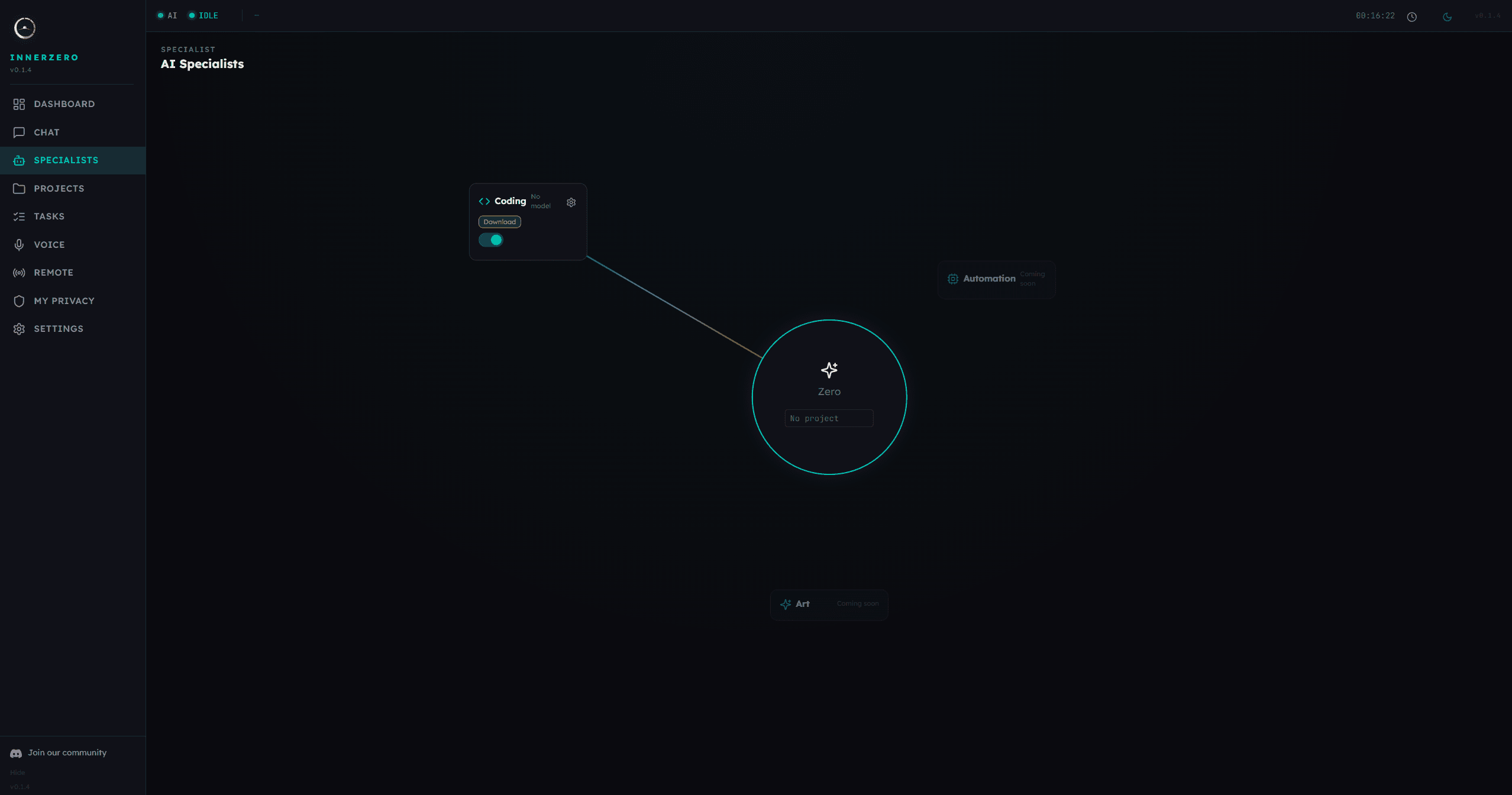
Zero's Coding Specialist handles code tasks in a separate model, hot-swapped in VRAM, with approval gates before any file changes.
Why developers choose local AI
- Code never leaves your disk by default: Local inference means your prompts, your source, and your AI memory all stay on your machine. No upload, no training on your work, no chance of a prompt landing in someone else's log.
- No subscription for daily tasks: Boilerplate, tests, refactors, and explanations run on a local model you download once. Free, no per-seat billing.
- Sandboxed coding agent: InnerZero's agent edits files in a scoped output folder, not root, and shows you the diff before it lands. No accidental rm -rf on your home directory.
- Frontier models on your own account: When you want Claude Opus 4.8 for a hard reasoning problem, add your Anthropic key and the request goes directly to Anthropic. InnerZero adds zero markup.
- Works offline: Long flights, secure air-gapped sites, and networks that block outbound HTTPS all stop being a problem.
How InnerZero helps developers
Local coding models
Frontier models via BYO keys
Sandbox-first agent
Frequently asked questions
Is my code private when I use InnerZero's coding agent?
Yes. With the default local models, every inference happens on your GPU and no code ever leaves your machine. If you enable bring-your-own-key cloud mode, only the prompt you send is routed directly to the provider you configured; InnerZero's servers are not in the path.
Can I use Claude Opus 4.8 for coding with InnerZero?
Yes. Add your Anthropic API key in Settings and pick claude-opus-4-8 (or claude-sonnet-5) as your Specialist model. The coding agent will route reasoning-heavy steps to it and keep routine edits on a local model. You pay Anthropic directly at their published rates.
What local models are good for code?
Qwen 3 8B handles autocomplete-style tasks and simple edits on modest hardware. Qwen 3 30B is the sweet spot for multi-file refactors on a 24 GB GPU. gpt-oss 120B is the top end for workstations with 48 GB VRAM or more.
Does InnerZero integrate with VS Code or JetBrains?
InnerZero is a standalone desktop app, not an editor plugin. It shines for longer tasks (planning, refactors, file ops) where an editor sidebar feels cramped. For tight inline completion, use your editor's own AI alongside InnerZero.
How does the coding agent avoid deleting my files?
All file operations happen in a configurable output folder, sandboxed from the rest of your disk. Destructive changes require confirmation, and the agent surfaces every diff before applying it. Emergency stop halts all activity with a single keystroke.